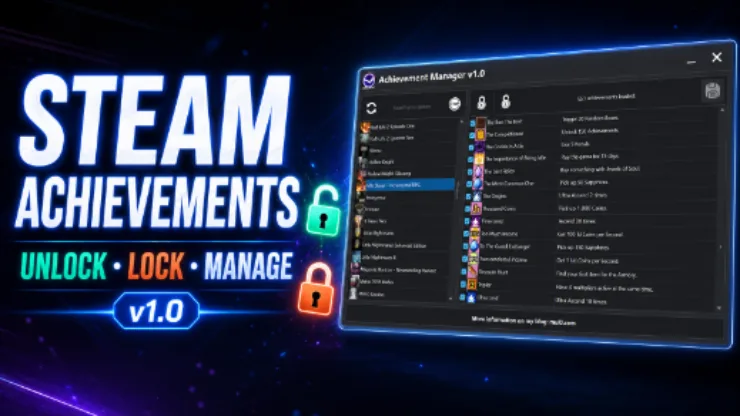
Version: 1.0 | Architecture: Win64 | Last Updated: 24/08/2026
Steam Achievement Manager is a Win64 desktop utility for browsing your owned Steam games, viewing their achievement catalogs, and managing selected achievement states from one responsive interface.
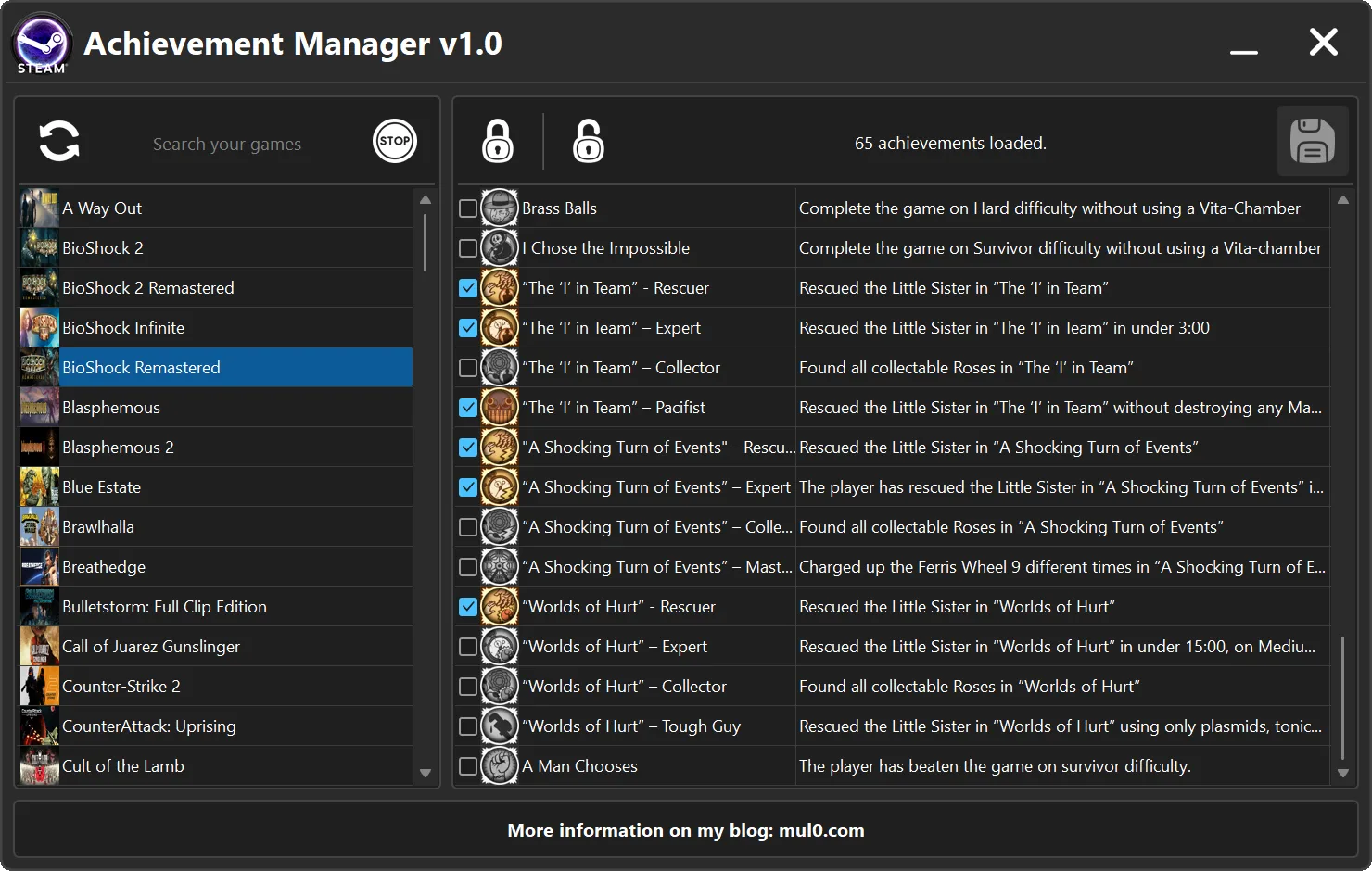
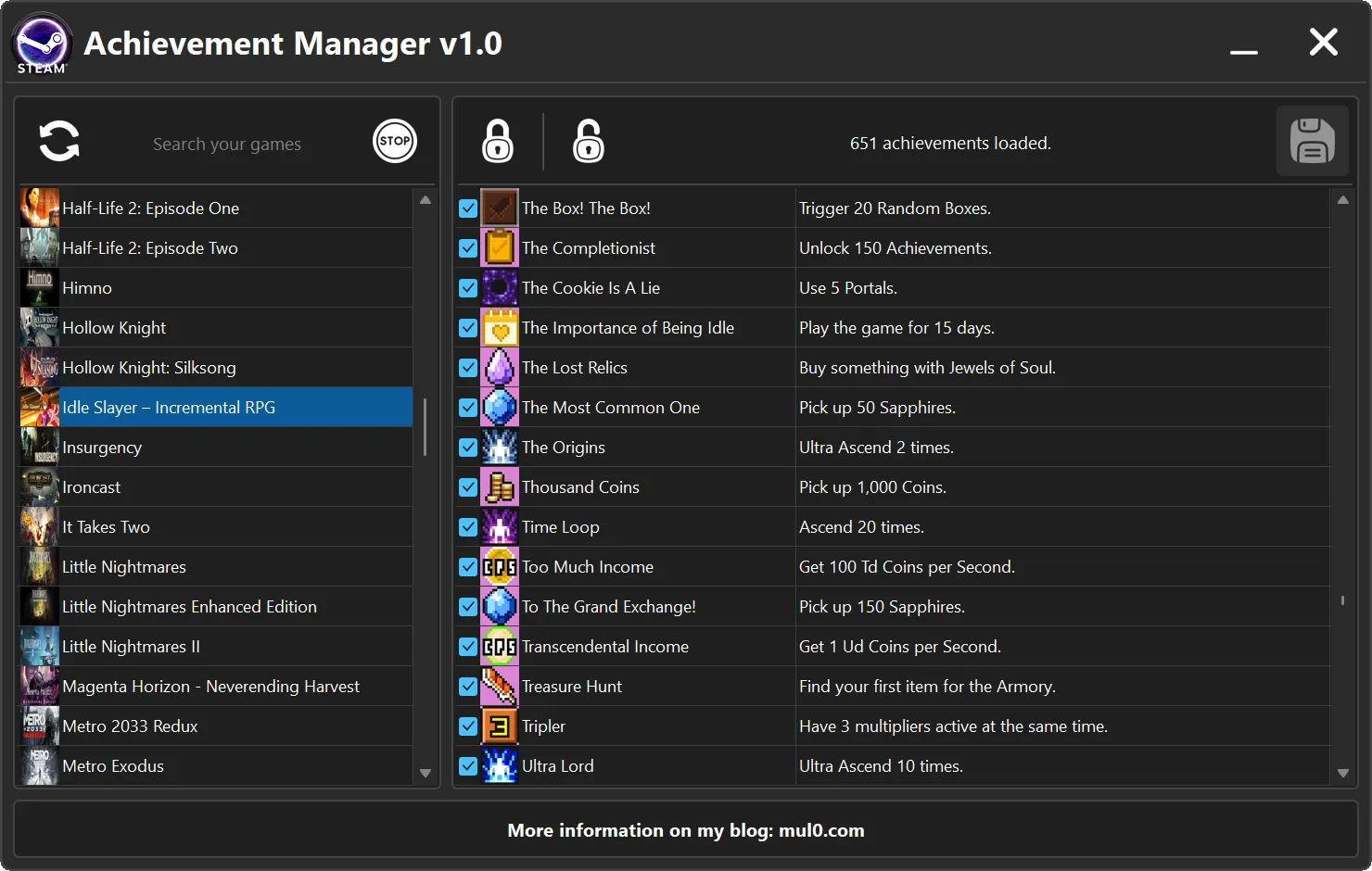
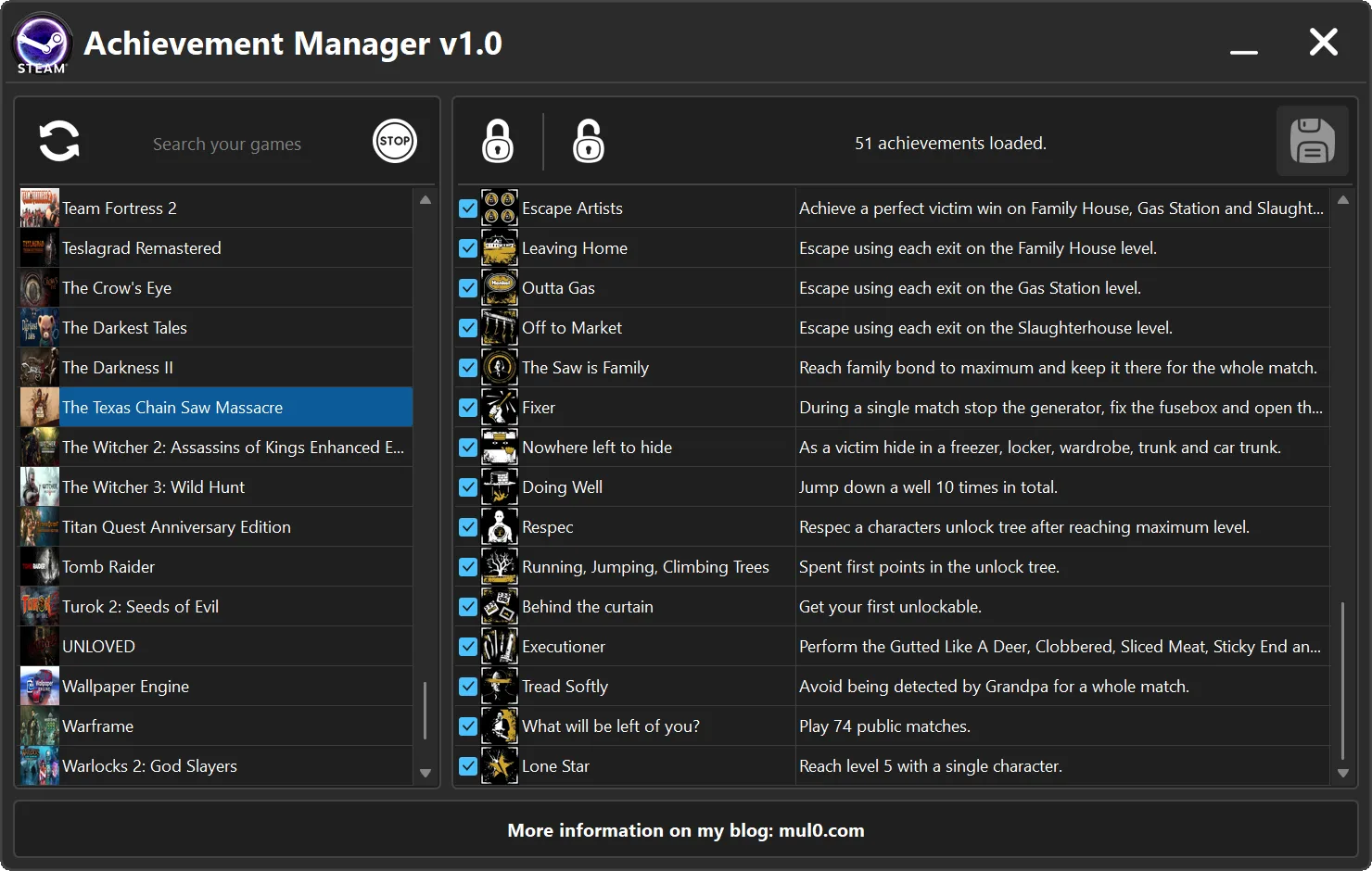
The program loads your Steam library into a searchable game list with cover images. Double-click a game to display its achievements with names, descriptions, icons, and current unlocked or locked states. You can change individual checkboxes, select every achievement for unlocking, clear every selection for locking, and submit only the states that differ from Steam.
An optional GAME START / GAME STOP control keeps the selected Steam App ID active in the background without launching the real game. Multiple standalone game hosts can run at the same time, and the manager reuses an existing host when you open achievements for a game that is already hosted.
Important: The lock and unlock controls only change the visible checkbox selections. Steam is updated only after you review the changes and click the submit button.
🆕 Release — 24.08.2026
🎮 Steam library browser: Load owned games, search by name, and browse cached cover images.
🏆 Achievement viewer: Display achievement names, descriptions, icons, and current Steam states.
🔓 Flexible state selection: Change individual checkboxes or select and clear every achievement at once.
💾 Changed-state submission: Apply only the achievement states that differ from the loaded values.
▶️ Background hosting: Start or stop selected Steam App IDs without launching the real games.
⚠️ Important: Review the selected game and every changed checkbox before submitting to Steam.
For more trainers, Cheat Engine plugins, and PC gaming tools, visit MulO’s Gaming Tips.
Steam Achievement Manager provides a focused way to inspect and manage “Steam” achievement states from a single desktop application.
| Program | Version | Architecture | Platform | Date of Creation |
|---|---|---|---|---|
| Steam Achievement Manager | 1.0 | 64-bit | Steam for Windows | 24/08/2026 |
| Control | Feature | Description |
|---|---|---|
| Refresh | Load Steam library | Loads or updates the current user’s owned Steam games and their cover images. |
| Search field | Find a game | Filters the loaded Steam game list by name. |
| Double-click game | Open achievements | Loads the selected game’s achievement catalog, icons, descriptions, and current Steam states. |
| Achievement checkbox | Change one state | Marks an individual achievement for unlocking or locking when the changes are submitted. |
| Unlock | Select all | Checks every achievement row. This changes the selection only until Submit is clicked. |
| Lock | Clear all | Unchecks every achievement row. This changes the selection only until Submit is clicked. |
| Submit | Apply changes | Sends only the achievement states that differ from their loaded Steam values. |
| GAME START / GAME STOP | Background host | Starts or stops a background Steam host for the selected App ID without launching the real game. |
Achievement changes and background hosts
- Checkbox selection: Checking or unchecking a row prepares a change but does not immediately update Steam.
- Submit: Applies only the states that differ from the values loaded for the selected game.
- Background host: Keeps a selected Steam App ID active without launching the real game. Multiple standalone hosts can run concurrently.
- Automatic cleanup: Active host processes are closed when Steam Achievement Manager exits.
Instructions
- Extract all files from the archive into the same folder.
- Start Steam, sign in to the account you want to use, and keep Steam running.
- Run Steam Achievement Manager.exe.
- Click the refresh button to load or update your Steam game library.
- Search for a game and double-click it to load the achievement list.
- Review the current states, make the intended checkbox changes, and click Submit.
Important notes
- Keep Steam Achievement Manager v1.0.exe, SteamCoreAPI.dll, and GameHostRuntime.exe together in the same folder.
- Steam must be installed, running, and signed in before the game library can be loaded.
- Achievement submissions affect the currently signed-in Steam account. Confirm the selected game and changed rows before submitting.
- Some games may not expose a usable achievement catalog, and Steam or game updates can affect compatibility.
- Use the program responsibly and respect applicable game rules, Steam terms, and third-party rights.
Video presentation:

Attachments
| File | Date added | Added by | File size | Downloads |
|---|---|---|---|---|
 Steam Achievement Manager v1.0.zip
|
August 24, 2026 12:58 PM | mul0 | 9 MB | 15 |